
Player Tools for Drill for Anime
Practical helpers that cut busywork so you spend more time drilling and less time guessing.
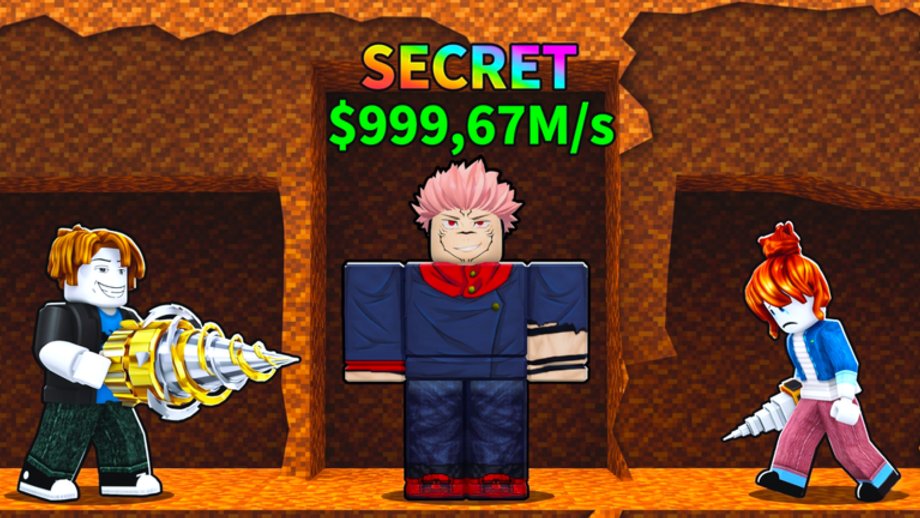
Tools on this wiki are lightweight helpers for Drill for Anime on Roblox. They do not replace gameplay, and they never ask for your password or Roblox cookie. Use them beside the Guides hub when you want a faster answer than scrolling Discord history.
Nomel Studios released the game on 26 June 2026. Systems still shift after patches, so every calculator here is an estimate you should verify in your own session. If a number looks wrong after an update, trust the live UI first, then check the Updates hub.
What you can open right now
Codes Copier
The Codes Copier lists currently tracked promo strings with one-click copy. As of August 2026, Official Code Zone says there is no codes menu while sites like GameRant still list LUCK26 and EPIC — pair the copier with Codes Not Working and How to Redeem Codes whenever a new code drops.
Offline Earnings Estimator
The Offline Earnings Estimator multiplies your observed cash-per-minute by hours away and an optional cap percent. Read Offline Earnings before you treat the output as a hard guarantee.
Upgrade Priority Checklist
The Upgrade Priority Checklist stores a first-session spending order in your browser. It mirrors advice from Getting Started and Drill Upgrades so you do not forget the basics after a long break.
Why tools beat random advice clips
Short gameplay videos are useful for vibe checks, but they rarely show your exact cash rate, depth gate, or roster. A local checklist plus a simple estimator keeps decisions grounded in your account. For visual drills, still watch the guide embeds on Earn Faster and Drill Upgrades.
Safety rules for every helper
- Never paste account credentials into a wiki form.
- Prefer official redeem UI over third-party “auto redeem” executors.
- If someone offers a “private script” that matches this game name, read the Scripts hub first — many packages target different drill titles.
- Cross-check rare unit advice on the Tier List instead of trusting a single Discord screenshot.
How these tools fit the progression loop
- Redeem or confirm codes with the copier.
- Spend early cash using the priority checklist.
- After you have a stable income unit, measure cash per minute and run the offline estimator before long logouts.
- Return to Lucky Blocks and Best Characters when you decide whether to gamble or reinvest.
Keeping estimates honest
Caps, idle multipliers, and lucky-block odds can change without a blog post. When Nomel Studios ships a balance pass, re-measure your cash per minute in a fresh five-minute window, then rerun the estimator. The Updates hub explains where announcements usually appear (Discord and the Roblox experience page).
Related reading
| Need | Page |
|---|---|
| Redeem steps | How to Redeem Codes |
| Dig deeper | Drill Upgrades |
| Idle income theory | Offline Earnings |
| Official links | Links Hub |
Use tools as a cockpit, not as autopilot. The drill still needs your hands on the controls.
Frequently Asked Questions
Quick answers for Drill for Anime on Roblox.
Are these tools official Nomel Studios products?
No. They are fan-made helpers on this unofficial wiki. Always confirm rewards and caps inside the live Roblox experience.
Do the tools store my Roblox password?
No. The checklist uses local browser storage only. Nothing here requests account credentials.
Which tool should beginners open first?
Start with the Upgrade Priority Checklist, then the Codes Copier, then the Offline Earnings Estimator once you know your cash rate.
Why do estimator results differ from my logout payout?
Caps, boosts, and patch changes can shrink idle income. Re-measure cash per minute after updates and adjust the cap percent.
Where do I learn the systems behind each tool?
Read Getting Started, Offline Earnings, Drill Upgrades, and the Codes hub linked throughout this page.